Glyphs MCP
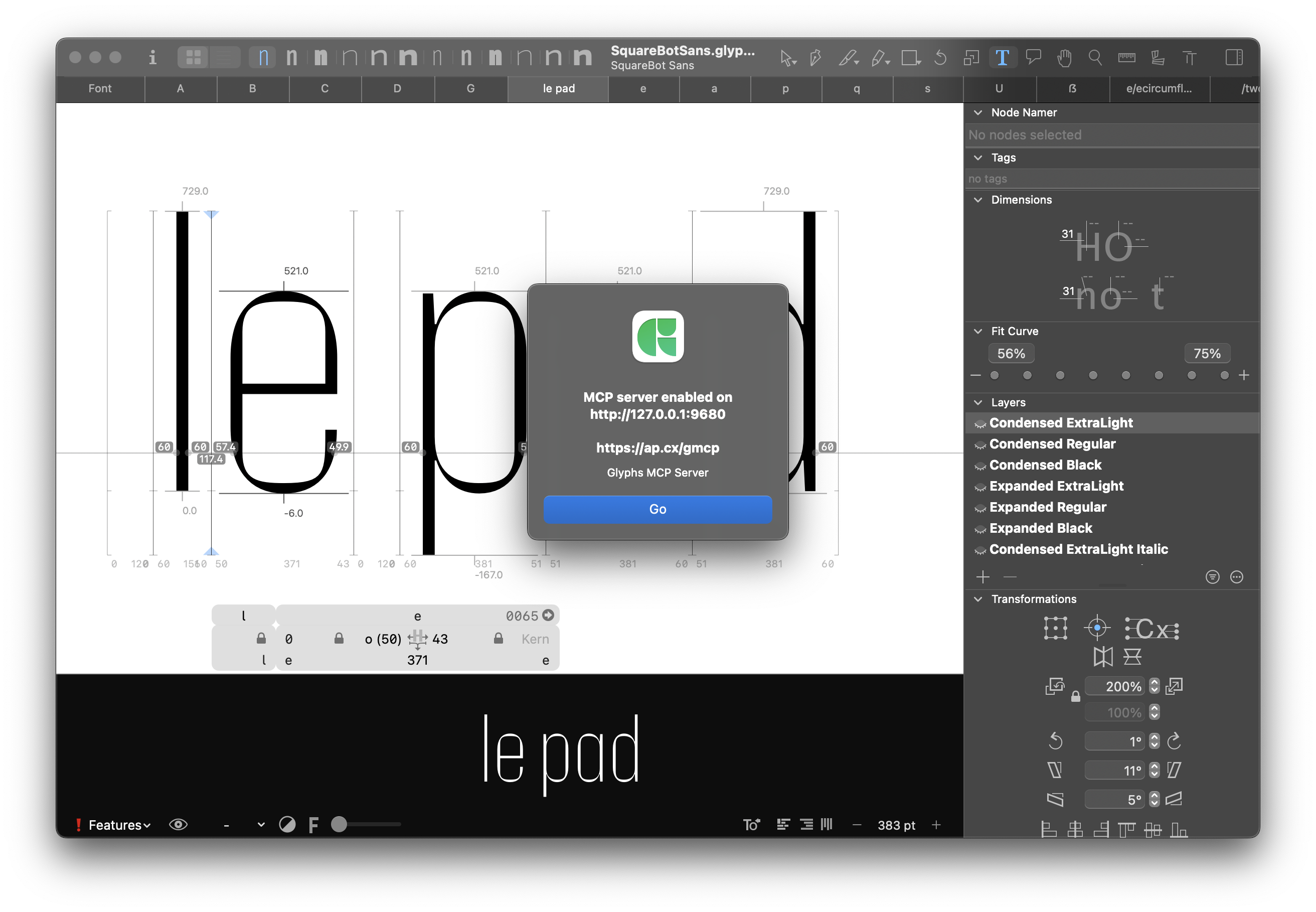
Glyphs MCP is a Model Context Protocol server for Glyphs 3.5 and Glyphs 4. It runs as a Glyphs plug-in, exposes a local Streamable HTTP endpoint, and lets AI clients call font-specific tools against the fonts you already have open.
Current public docs URL:
https://thierryc.github.io/Glyphs-mcp/
What Glyphs MCP is
Glyphs MCP gives an agent a structured way to inspect and operate Glyphs:
- The Glyphs app stays the source of truth for your fonts, masters, glyphs, layers, kerning, spacing, and selection.
- The Glyphs MCP plug-in runs inside Glyphs and bridges GlyphsApp APIs to MCP tools.
- The local MCP server exposes those tools at
http://127.0.0.1:9680/mcp/. - Your AI client calls tools such as
list_open_fonts,review_spacing,generate_kerning_tab, ordocs_search.
The design is tools-first: use deterministic, named tools before falling back to free-form code. Mutating workflows are built around read-before-write, dry-run or confirm-gated mutations, and no auto-save.
Who it is for
- Type designers who want practical assistance for spacing, kerning, proofing, and review workflows in Glyphs.
- Font engineers who want inspectable automation around Glyphs files, UFO/designspace export, OpenType feature checks, and repeatable diagnostics.
- Tool builders who want a local, scriptable bridge between Glyphs and modern AI clients without brittle UI automation.
Quick links
Quickstart
-
Install the plug-in and dependencies:
python3 install.py -
In Glyphs, start the local server:
Edit -> Glyphs MCP Server -
Connect your MCP client to:
http://127.0.0.1:9680/mcp/ -
Verify with a read-only tool call:
Call list_open_fonts and tell me how many fonts are open.If you see an error, quote it verbatim.
What you can do
- Inspect open fonts, masters, glyphs, components, paths, kerning, selection state, and selected nodes.
- Generate kerning worklists, audit collisions or near-misses, and apply approved bumper fixes safely.
- Review spacing suggestions, run dry runs, apply conservative sidebearing changes, and visualize the spacing model.
- Inspect OpenType stylistic sets and feature-linked glyph groups.
- Review stem prerequisites and apply experimental first-pass italic or oblique construction drafts that assist—but do not replace—the designer.
- Preview and apply compensated tuning transforms across compatible masters.
- Export UFO masters and designspace documents with structured logs.
- Search bundled Glyphs API, scripting, plug-in-template, and file-format docs on demand with
docs_searchanddocs_get. - Inspect Glyphs 3/4 source-format metadata and safely edit version 4 outlines without flattening grouped/styled shapes or advanced node metadata.
For deeper workflow guidance, start with How Glyphs MCP works and Safety model.