Documentation paths
Start with setup, then move into the workflow or reference page for the task.
Start from a health check
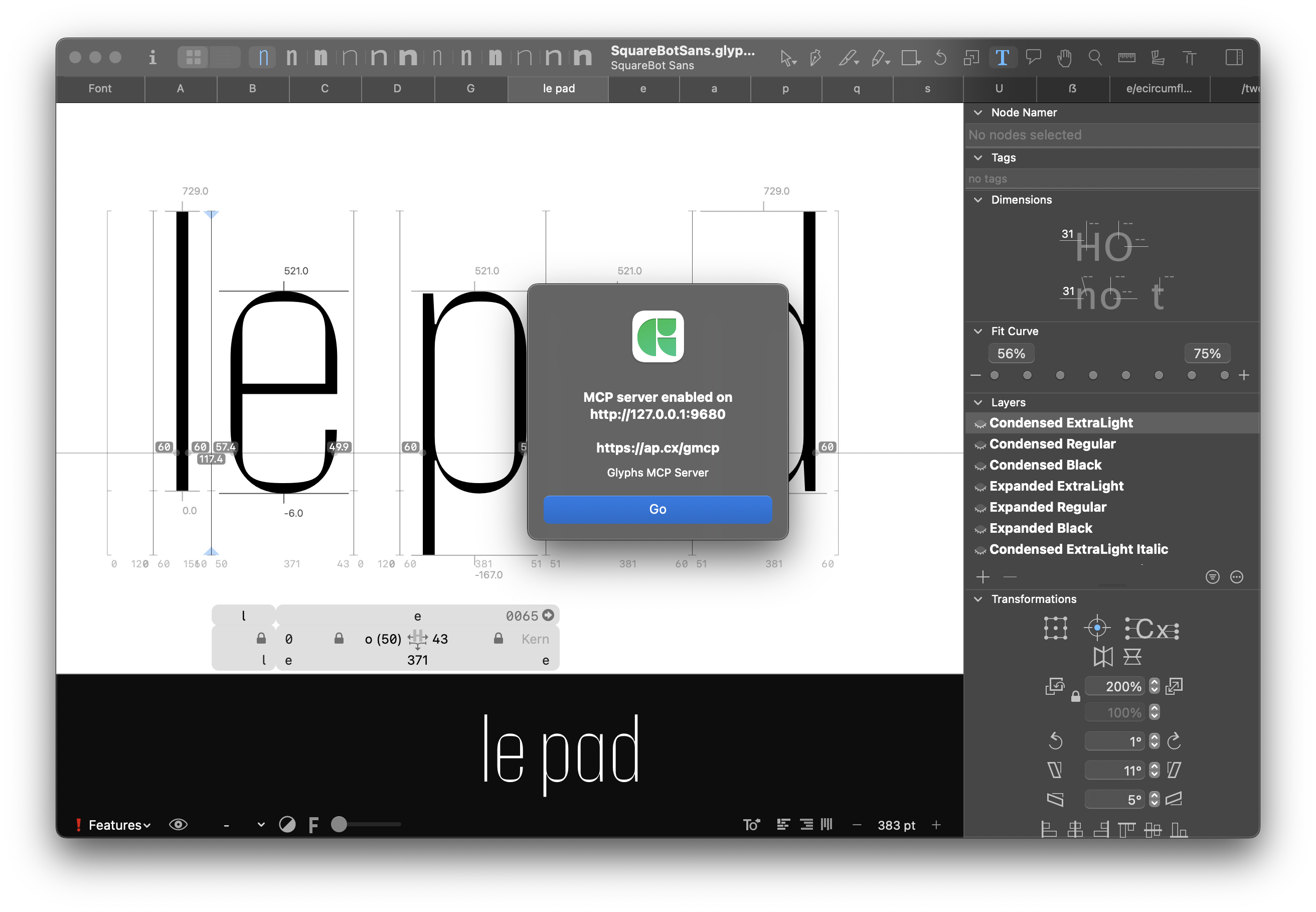
Install the plug-in, start the local server, connect a client, then verify with list_open_fonts before doing font work.
Use tools before code
Work through named tools for fonts, masters, glyphs, kerning, spacing, outlines, exports, and bundled docs lookup.
Keep edits controlled
Read current state first, dry-run where possible, use confirm-gated mutations, and save only when you ask.
Run typographic workflows
Follow focused docs for kerning, spacing, italic construction and upright-symbol review, compensated tuning, style sets, outlines, and UFO/designspace export.
Route through one lean catalog
Discover concise, annotated tools from one catalog, with focused skills for safe kerning, spacing, outline, and editing workflows.
Search bundled Glyphs docs
Use docs_search and docs_get for targeted Glyphs API lookup without flooding the MCP client with page resources.
First successful tool call
- Install the plug-in and dependencies:
python3 install.py - In Glyphs, start the server: Edit -> Glyphs MCP Server
- Connect your client to
http://127.0.0.1:9680/mcp/ - Ask the client to call
list_open_fonts.
python3 install.py
# In Glyphs: Edit -> Glyphs MCP Server
# Connect: http://127.0.0.1:9680/mcp/
Continue with First session or jump to Command set.