


Beztrace — /ˈbɛz.treɪs/
Trace clean glyphs and symbols into economical cubic outlines—deterministically, locally, and ready for real design work.
Universal Apple Silicon + Intel binary. Apache-2.0 OR MIT.
 Raster
Path
Raster
Path
Real output, no mockups
Every example below was captured with beztrace 0.1.0 from a reviewed 1024 × 1024 fixture. Stable 0.1.1 reproduces the same accepted corpus geometry. Switch between source pixels and baked SVG geometry with discreet nodes and handles.

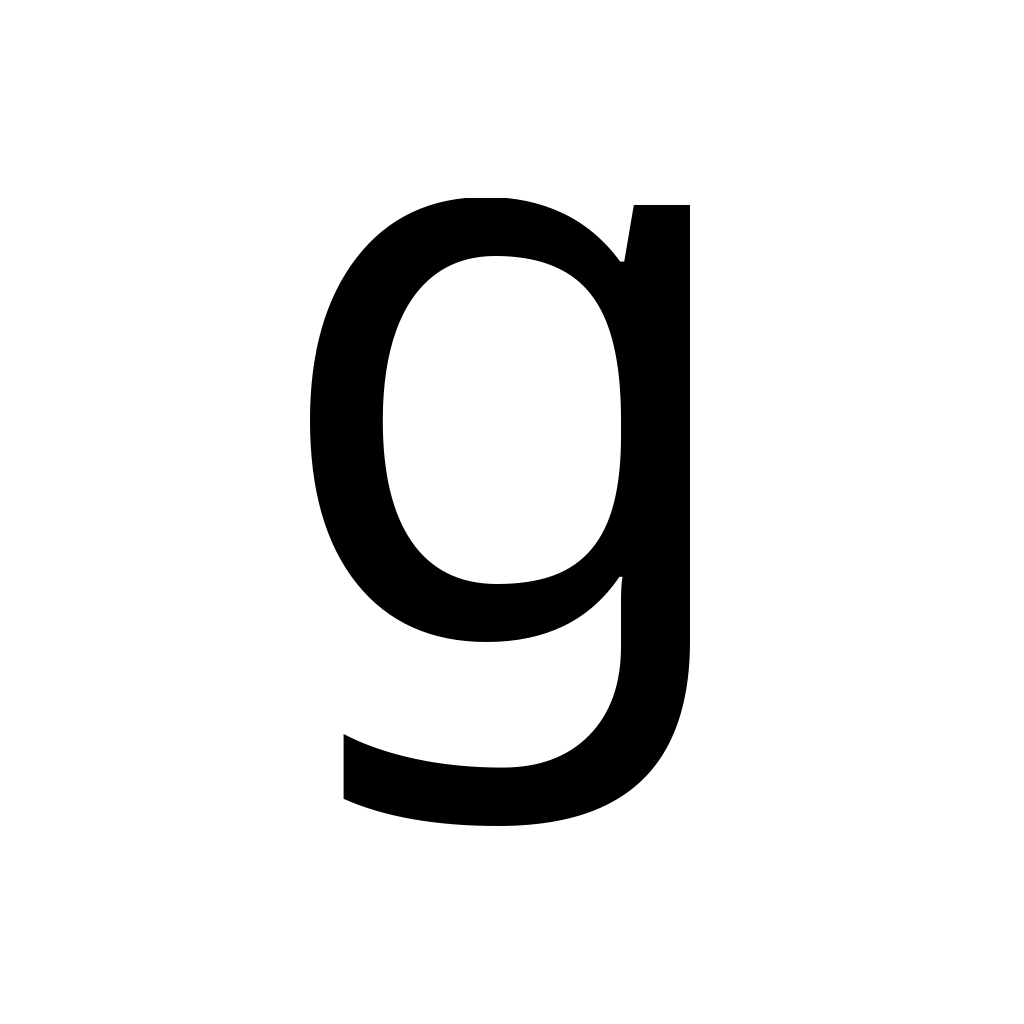
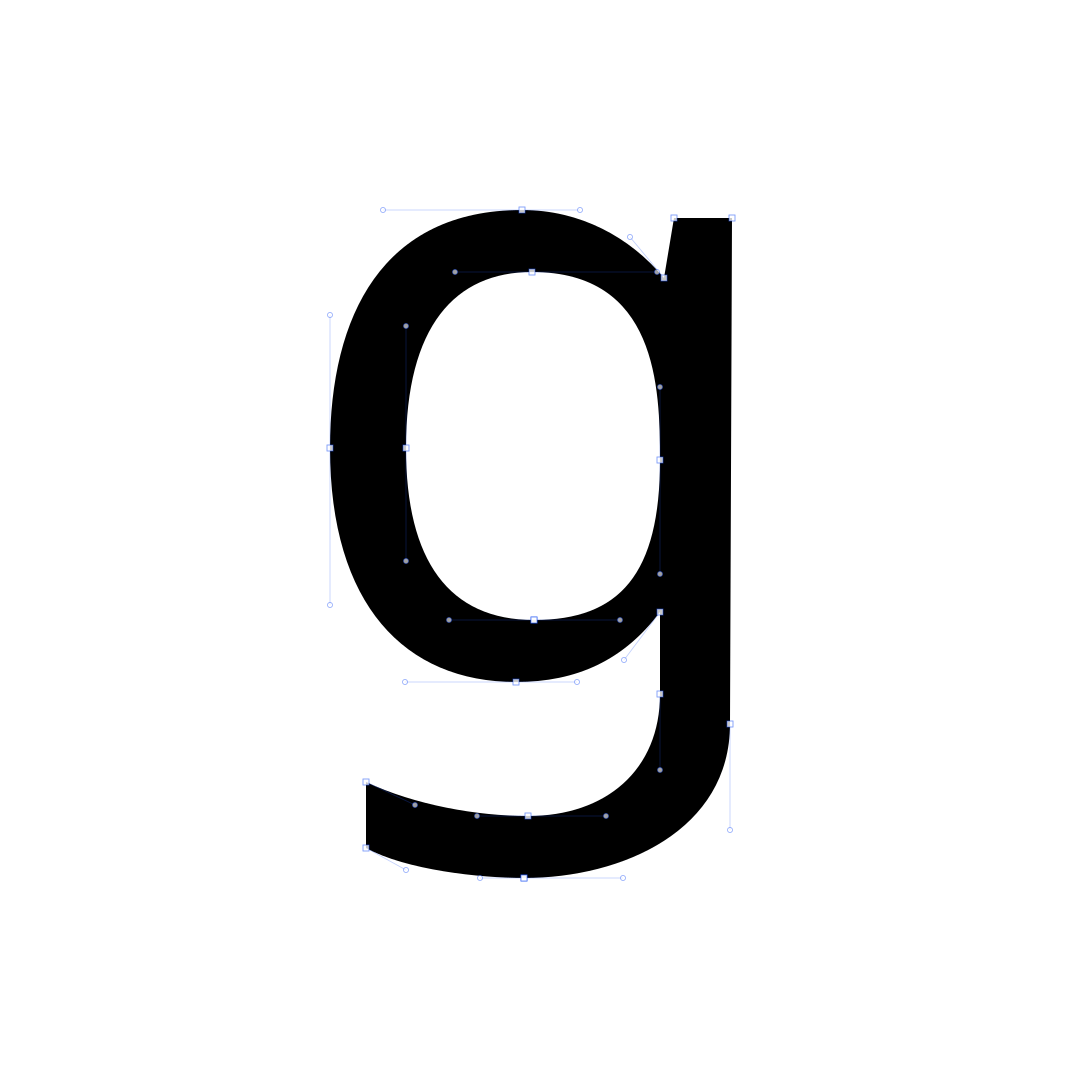










A type-aware tracing pipeline
beztrace does more than simplify an edge. It plans typographic structure, fits constrained cubics, refines against the raster, then validates every contour before serialization.
Decode PNG or JPEG, resolve alpha and threshold, normalize coverage.
Find subpixel contours, corners, straights, extrema, and inflections.
Build economical lines and constrained cubic Bézier sections.
Measure raster loss, polish handles, simplify redundant geometry, and preserve corners and meaningful small curves. Remove specks with an explicit minimum contour area.
Check winding, closure, intersections, handle reach, and determinism.
One outline, two useful formats
Y-up JSON is the authoritative machine contract for future Glyphs MCP integration. SVG defaults to baked, transform-free coordinates that import upright in Sketch, Illustrator, Figma, and other design tools.
pathDataVersion 2$ beztrace trace glyph.png \
--format json --output glyph.json
// glyph.json
{
"schemaVersion": 1,
"pathDataVersion": 2,
"metadataPolicy": "preserve",
"paths": [
{ "closed": true, "nodes": […] }
]
}0.2.0 · Signed standalone release
Provide two images of the same glyph at different weights—or an existing Regular outline and a Bold image—run matching, and review the outlines and intermediate weights before importing them into your font editor.
Trace both weights together to produce two outlines with corresponding contours and nodes.
Keep your finished Regular master exact and trace a Bold image to its existing structure.
Keep the reference exact while aligning and refitting the second master, or explicitly permit shared changes within your point limits.
Smart mode compares applicable matching and retracing routes within the same tolerance and point budget. Review fidelity, correspondence and intermediate shapes; artistic judgment stays with you.
The release includes ready-to-run R and Y examples. Copy an example job, choose your source files and image placement, then run the standalone matching command.
Open the result’s index.html to inspect numbered nodes and intermediate weights. The matched-master JSON contains the outlines; the comparison report records measurements and any refused alternatives.
Simple workflow and configuration# Run a bundled two-image example
$ ./run-example.sh Y-images-smart /tmp/Y-pair
# Match your own two sources
$ ./bin/beztrace match-pair JOB.json \
--output-directory RESULTS --json-errors
# Open RESULTS/index.html to review the pairStandalone release: universal standalone engine for macOS 13+, with no Glyphs or Python runtime requirement. Default tolerance is 1 unit per 1000 UPM; a vector reference stays exact unless shared changes are explicitly allowed. The universal executable and installer are Developer ID signed and Apple-notarized. Native matching UI, smooth-join repair and font application remain separate. The released Glyphs companion requires its supported v0.1.1 engine; use the standalone ZIP when retaining that shared installation.
Optional Glyphs 4 companion
Beztrace for Glyphs adds a native Path → Beztrace… panel for tracing a placed PNG or JPEG directly into editable paths. It uses the standalone beztrace engine and its versioned neutral JSON contract, so the tracing core remains independent of Glyphs.
Download companion & setupReady for the command line
The notarized package installs a universal binary and exposes beztrace at /usr/local/bin/beztrace.
Using the released Glyphs companion? Keep its supported v0.1.1 engine and run 0.2.0 from the standalone ZIP.
Signed release qualification receipt · Builds and tests run locally.
sudo installer -pkg beztrace-0.2.0.pkg -target /